

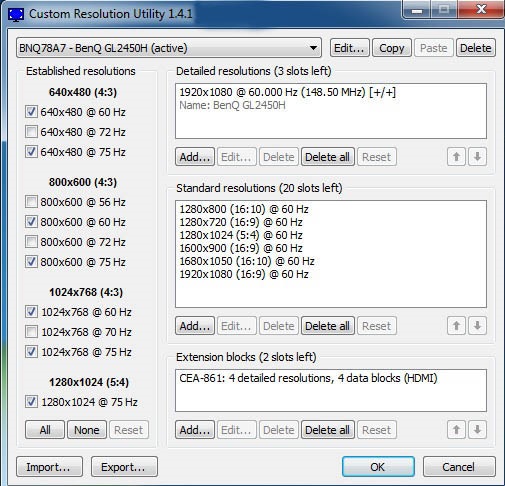
Custom Resolution Utility (CRU) is an EDID editor focused on custom resolutions. It shows how your monitor defines resolutions and other capabilities, and lets you modify them.
With CRU you can:
– Add custom resolutions
– Remove unwanted resolutions
– Edit FreeSync ranges
– And more
CRU creates software EDID overrides in the Windows registry and does not modify the monitor hardware.
| Custom Resolution Utility (CRU) — Quick Facts (updated 2025) | |
|---|---|
| Item | Info |
| Name | Custom Resolution Utility (CRU) |
| Author | ToastyX |
| Type | EDID editor / custom resolution tool |
| License | Freeware |
| Platform | Windows 7 → Windows 11 (64-bit recommended) |
| File size | ~200 KB (portable) |
| Main goal | Edit EDID, add or change resolutions and refresh rates |
Share this